
- What Is Role-Based Access Control (RBAC) in an LMS?
- Why Do Multi-Institution LMS Platforms Have Unique Access Control Needs?
- What Are the Core RBAC Roles Commonly Found in a Multi-Institution LMS?
- Students >
- Custom Roles
- How Does RBAC Support Data Privacy and Compliance in Multi-Institution LMS Environments?
- What Are the Operational Benefits of RBAC for LMS Administrators?
- What Should You Look for When Evaluating RBAC in a Multi-Institution LMS?
- Real-World Scenarios Where RBAC Makes the Difference
- The Future of Access Control: Where Is RBAC Heading?
- Choosing the Right RBAC-Enabled LMS for Your Institution
- FAQ’s
Managing a single institution on an LMS is already a juggling act. Multiply that by five, ten, or fifty institutions each with their own administrators, instructors, learners, and compliance requirements and you have a complexity problem that RBAC was born to solve.
One of those features that often doesn’t get the credit it deserves is Role-Based Access Control. It works silently behind the scenes to make sure the right people see the right things and do the right tasks. But in its absence, or when it is badly done, the results are far from peaceful. Data breaches, administrative chaos, compliance failures and frustrated users are just a few of the headaches that ensue.
What is RBAC in an LMS context, and why is it so important for platforms that serve multiple institutions? Here’s the explanation. You’ll leave with a good understanding of what RBAC is, how it works in the real world, what it looks like in real institutional settings, and what to look for when you’re evaluating a multi-institution LMS. Let’s get started!
What Is Role-Based Access Control (RBAC) in an LMS?
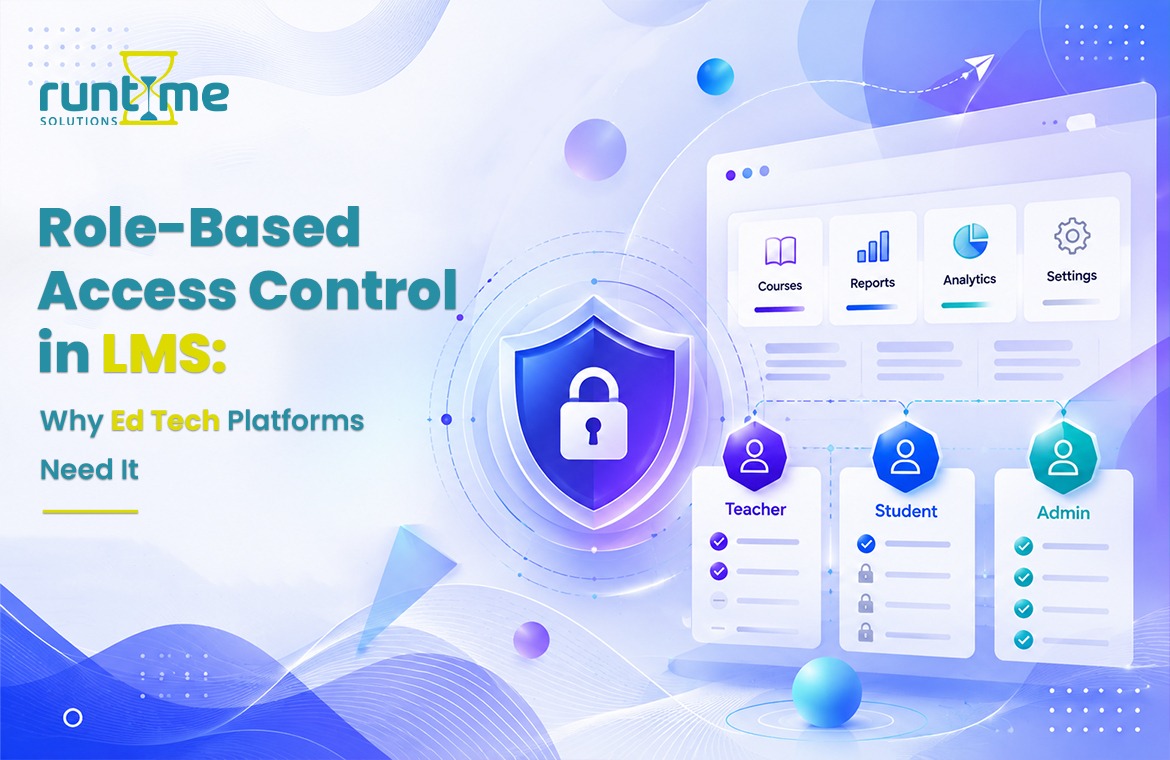
Role-Based Access Control is a security model that provides system permissions based on the role assigned to a user instead of the user’s identity. Rather than granting access person by person, administrators create roles—such as “Course Instructor,” “Department Admin,” or “Learner”—and assign permissions to those roles. Anyone given that role automatically gets its permissions.
In a Learning Management System this means a structured hierarchy where different users can see and do different things. A learner can see the courses in which they are enrolled. A teacher can make and grade content. An administrator can do user management, pull reports, configure settings. And a super-admin overseeing multiple institutions can do all of the above across the entire platform.
The beauty of RBAC is its scalability. Once you have roles defined, adding thousands of new users is easy . Give them a role and they are good to go .
Why Do Multi-Institution LMS Platforms Have Unique Access Control Needs?
Single-institution LMSs have fairly simple access control requirements. But multi-institution platforms—those serving universities with multiple faculties, corporate training providers with regional branches, or government agencies with separate departments—face an entirely different challenge.
This is why multi-institution environments are so complicated:
Data isolation: 1. Institution A should not be able to access Institution B’s course content, reports or learner data. Ever.
Custom permissions: A hospital network may need a clinical supervisor to approve training completions. A university consortium might require department heads to have their own rosters. The hierarchies are totally different in each institution.
Regulatory compliance: If you work in healthcare, finance or education, there are strict data governance rules (think FERPA, HIPAA or GDPR). RBAC is often a key part of demonstrating compliance.
Without RBAC all of this falls apart. Permissions are a hodgepodge of manual overrides and workarounds. Administrators spend hours on individual access management instead of learning outcomes. And the risk of a data incident grows exponentially.
What Are the Core RBAC Roles Commonly Found in a Multi-Institution LMS?
While the structure of roles differs across platforms, most robust multi-institution LMS solutions provide a tiered set of roles that correspond to real-world organizational hierarchies.
Super Administrator, Platform Level
This is the highest position. Super admin has visibility and control over all institutions on the platform. They can set up and operate institutions, define global role templates, set up platform-wide integrations and access system-level reports. In most cases, this function is performed by the team of the LMS provider or the organization that oversees the use of the platform.
Institute Administrator
Each institution has their own admin (or team of admins) who runs everything within their environment. Institution admins can create courses, manage users, set up branding and pull reports but only within the walls of their own institution. They don’t have eyes or hands for data from other institutions.”
Course Creators & Instructors
Faculty teach and develop the course materials at their institution of employment. Depending on the platform, this role may be further differentiated into a “Course Creator” who creates content and a “Facilitator” who facilitates the content to learners.
Students >
Default to the most restricted role. Learners can access their assigned courses and track their own progress, submit assessments. They are not able to see any data belonging to other learners and have no administrative privileges or ability to change the course content.
Custom Roles
The best multi-institution LMS platforms move beyond pre-defined roles. Custom role creation allows institutions to create niche roles, such as “Compliance Officer,” “External Reviewer,” or “Mentor,” with precisely scoped permissions. This flexibility is a game changer for institutions with non-standard workflows .
How Does RBAC Support Data Privacy and Compliance in Multi-Institution LMS Environments?
Data privacy is not up for discussion. The average cost of a data breach hit $4.45 million USD in 2023, a 15% increase over three years, according to the IBM Cost of a Data Breach Report 2023. The stakes are even greater for educational and corporate training platforms that process sensitive learner data.
RBAC enforces the principle of least privilege, which directly supports privacy compliance: each user can only access what they need to do their job – and no more. This limits the blast radius of a potential breach and leaves a clear, auditable trail of who accessed what and when.
“RBAC is not just useful for institutions operating under GDPR, FERPA, or HIPAA – it’s often a compliance requirement. Auditors want to see a documented access control policy and RBAC provides just that structure. Many LMSs generate role-based access logs that make it much easier to prove compliance when you’re audited.
What Are the Operational Benefits of RBAC for LMS Administrators?
In addition to security, RBAC offers substantial operational advantages on a day-to-day basis that administrators really like.
Faster onboarding: New users automatically get the right access when they are assigned to a role, rather than requiring manual configuration of permissions. Within minutes of being added to the system, a new instructor can begin building a course.
Less admin work: For RBAC every unique permission request is a manual task for your IT or admin team. With RBAC, most of those requests go away altogether, because the roles already anticipate common needs.
Cleaner offboarding: When a user leaves, revoking a role at once eliminates all its permissions. No more access points are open, to be hunted down and closed.
Easier delegation : Institution admins can manage their own user roster without the help of the platform super admin. Decentralization speeds up the decision process and reduces bottlenecks.
Scalability : When you add a new institution to the platform, you don’t have to recreate your access control model from scratch. You take existing role templates, tailor them to your needs and you’re live.
What Should You Look for When Evaluating RBAC in a Multi-Institution LMS?
Not all RBAC implementations are created the same. Here’s what makes a strong system different from a weak one:
Fine-grained Permission Settings
Look for platforms that allow you to set permissions at the feature level, not just the page level. Can an instructor view reports but not export them? Can you give a course creator publishing rights but no user management? The finer the controls, the better you can customize access to real workflows.
Hierarchical Role Inheritance
Strong RBAC systems allow for role inheritance, where a more senior role indirectly follows all the permissions of subordinate roles. This cuts down on excessive requirements and keeps your permission structure clean.
Creating a custom role
As noted above, preset roles rarely pin perfectly onto every institution’s protocols. With full custom roles — any combination of permissions — a platform that supports them allows you to scale with no excuses.
Audit Logging and Reporting
All role-based actions should be logged. Look for platforms that offer detailed access reports that include login history and other configuration changes made. This is crucial for compliance and incident response.
Workflows for Role Assignment
Some platforms let you request and approve roles through a formal workflow, which adds a layer of governance to the onboarding process. This is especially useful for larger institutions with formal IT request processes.
Real-World Scenarios Where RBAC Makes the Difference
University consortium: Consortium of universities Five universities use one LMS platform. Each university’s admin runs its own faculty and students separately. RBAC is meant to keep everything siloed, so a professor at University A can’t accidentally stumble into University B’s course content or gradebooks.
Corporate training provider: A global company providing compliance training to customers in the healthcare, retail and finance sectors. Each client has different course tracks and reporting visibility needs. With RBAC, the provider can build a custom access structure for each client, without having to start a new platform for each.
Government agency: A federal agency uses an LMS to train employees in its regional offices. Regional training managers have ownership of their users and can report on completion rates for their own region only, and do not have access to data from other regions. The central L&D team in the agency has oversight of all regions.
In each of those cases, RBAC is not a nice-to-have, it’s the structural foundation that makes the whole thing work.
The Future of Access Control: Where Is RBAC Heading?
RBAC is changing. Attribute-Based Access Control (ABAC) is gaining traction as a complementary model that adds dynamic conditions to a role-based rule such as access only during certain hours, or from certain locations, or based on completion status of a learner. Some platforms are starting to combine RBAC and ABAC to build even smarter permission systems.
Artificial intelligence is also starting to come in the picture. AI-driven access controls can learn behavior patterns and identify anomalous access — like an instructor suddenly downloading learner data in large quantities — before it becomes a problem.
For now, RBAC is still the gold standard for multi-institution LMS platforms. But it’s worth picking a platform that’s building for these next generation capabilities so you’re not left with yesterday’s infrastructure.
Choosing the Right RBAC-Enabled LMS for Your Institution
The bottom line is? Role-Based Access Control is one of the most important features to evaluate in choosing an LMS for a multi-institution environment. It safeguards learner data, eases administration, supports compliance and scales as you grow.
Ask vendors to walk you through their specific RBAC architecture when you are comparing platforms. Request a demo that demonstrates role configuration, permission cascade, and audit log generation. The answers will provide you a lot of insight into how seriously the platform takes security and governance.
The right LMS not only holds your courses but also protects your institutions, empowers your admins and provides every user exactly what they need to succeed!
FAQ’s
What is Role-Based Access Control (RBAC) in an LMS?
RBAC in an LMS is a model for managing permissions in which system access is granted based on a user’s role as opposed to their individual identity, such as admin, instructor or learner. Every role has a set of permissions that get inherited by all users in that role automatically.
Why is RBAC particularly important for multi-institution LMS platforms?
In multi-institution LMS platforms, multiple organizations work in a single environment, so data isolation and permission customization are necessary. RBAC keeps each institution’s data, users and content separate and ensures that administrators can only access their own institution’s resources.
What role does RBAC play in GDPR, FERPA, and HIPAA compliance?
RBAC adheres to the principle of least privilege, i.e. users only have access to what they need to carry out their specific role. This restricts unauthorized data disclosure, produces auditable access logs and offers the documented access control structure required by regulatory frameworks such as GDPR, FERPA and HIPAA.
What is the difference between Role based Access Control (RBAC) and Attribute based Access Control (ABAC)?
RBAC gives a user permission based on their role. ABAC adds dynamic conditions to the role-based rules, such as time of access, location or user attributes. ABAC offers more granular control and is increasingly being used with RBAC in more advanced LMS environments.
Are there LMS platforms which support custom roles in addition to standard admin, instructor and learner options?
Yes, many enterprise-grade LMS platforms allow administrators to create roles with full custom permissions. Custom roles are especially helpful for institutions with unusual workflows, such as compliance officers, external reviewers or mentors.
RBAC can help in the process of onboarding users to an LMS.
When you assign a role to a new user, RBAC automatically assigns any permissions associated with that role to that user. No configuration required. This drastically cuts down on the time it takes to onboard new instructors, learners or administrators versus setting up each permission individually.